Inspections that lead to action, not more paperwork.
Complete inspections, capture evidence, assign corrective actions and verify close-out in one connected workflow. FloApps is configured around how your team works.
An inspection isn't complete when the checklist is submitted.
Paper checklists, scattered photos and emailed spreadsheets can leave findings without clear owners or verifiable closure.
With a connected workflow, your team can see what was checked, what needs attention, who's responsible and whether the action has been verified.
Capture once. Follow through.
Bring the inspection, supporting evidence, assigned actions and final verification into a consistent record instead of chasing updates across disconnected systems.
From inspection to verified close-out.
A practical example of a workflow that can be configured for your team.
Plan the inspection
Choose the checklist, site, person responsible and timing.
Complete checks on site
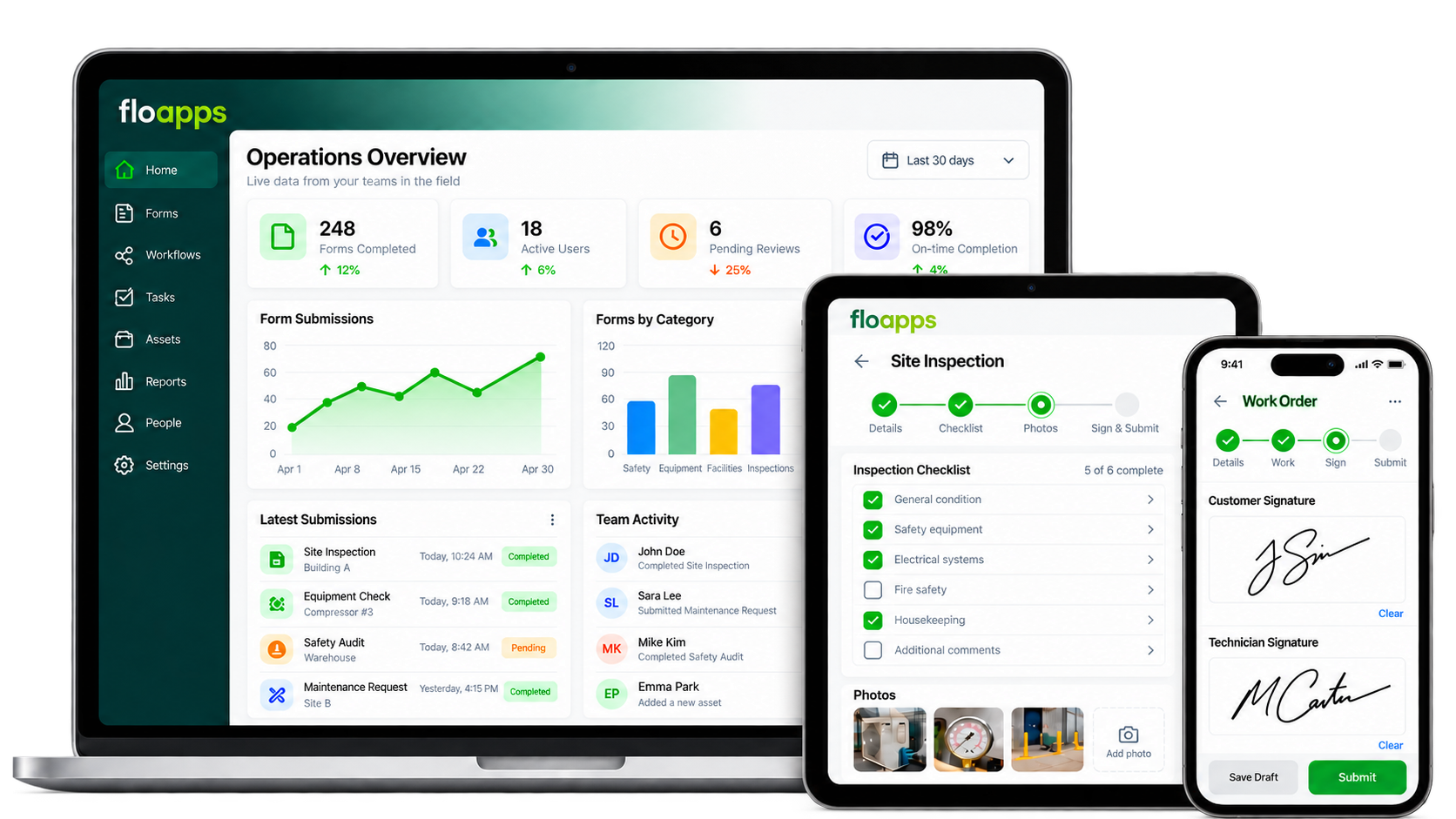
Use mobile forms to record answers, even when working offline.
Capture findings
Add photos, notes, priority and supporting evidence.
Assign corrective actions
Route findings to owners, set due dates and follow up.
Verify completion
Review evidence before confirming an action is closed.
Report and improve
Review completed inspections, outstanding actions and patterns.
The tools you need to inspect and follow up.
Start with one checklist or connect several inspection processes.
Configurable checklists
Adapt questions, conditional fields and required information to each inspection.
Photographs and signatures
Capture supporting evidence and sign-offs with the record.
Mobile and offline capture
Record information on site and synchronise when a connection is available.
Corrective action tracking
Configure action owners, statuses, notifications and review stages.
Reports and records
Generate consistent inspection outputs and review progress across teams.
Permissions and approvals
Define who can complete, review and close inspection and action records.
Useful wherever checks need a clear record.
Workplace and safety inspections
Routine site checks, facilities, work areas and operations.
Equipment inspections
Pre-use checks, condition records and maintenance observations.
Quality audits
Capture non-conformances, evidence and improvement actions.
Multi-site checks
Use shared standards while recording findings for each location.
Configured around your inspections.
Flocrunch helps you review existing checklists, design finding and action stages, configure forms and permissions, test with users and support training and rollout.
Scheduling, automatic reminders, specific outputs and integrations are agreed during implementation, not assumed for every setup.
Tell us what you inspect.
Show us a checklist or explain how your findings are currently managed. We'll demonstrate a sensible starting point.
Questions before digitising inspections.
Can we keep our existing checklists?
Yes. Flocrunch can review and configure your existing checklists in FloApps.
What happens to a finding?
An inspection finding can be routed into a configured corrective action process with an owner and verification stage.
Can inspectors work offline?
FloApps supports offline capture and syncing when connectivity returns, subject to the configuration.
Can we take photos and signatures?
Yes. Forms can include photographs, signatures and other evidence fields.
Can we monitor overdue actions?
You can configure due dates, status updates and reporting views to support follow-up.
Can different teams use different checklists?
Yes. Multiple inspection processes can be configured with the appropriate access and reporting.
Make checks easier to complete and findings easier to close.
Let's look at how your inspection and corrective action process can work in FloApps.